Tag Archives: troubleshooting

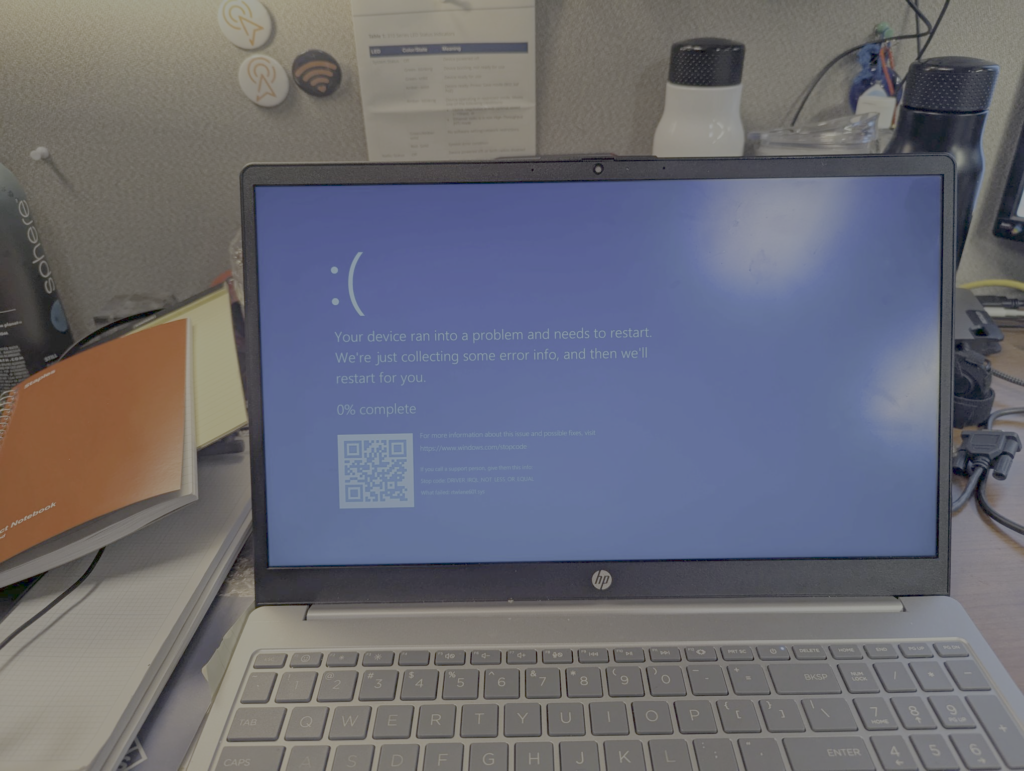
How I saved Thanksgiving (football) at my son’s house

If you’re American, you’re aware that we just celebrated Thanksgiving approximately two weeks ago (11/27) at the time of me writing this. For those outside of the US who aren’t are aware of Thanksgiving, just think of it as peek Americanism- not working, being extra greedy as we eat lots of tasty food and desserts all day, and for some, playing or watching football is also part of the tradition. 😁

This year, our oldest son volunteered to host family Thanksgiving at his house. And by hosting, this wasn’t just everyone swinging by on Thanksgiving day to eat and have fun. Because everyone lives 3+ hours away from him, we all came in a couple of days early and stayed at his house until Saturday morning. Each day there were events and different genres of food served; some of it was cooked at home and some of it was brought in from outside. The number of people there included roughly 18 adults, 2 teenagers, and 4 younger kids; and those numbers don’t include the 2 dogs (1 of them is our granddog, pictured below) as well as other family that visited on Thanksgiving day… It was an amazing time! Anyway, on to the real reason why I’m writing this post.

Continue reading

First impressions of the WLAN Pi Go

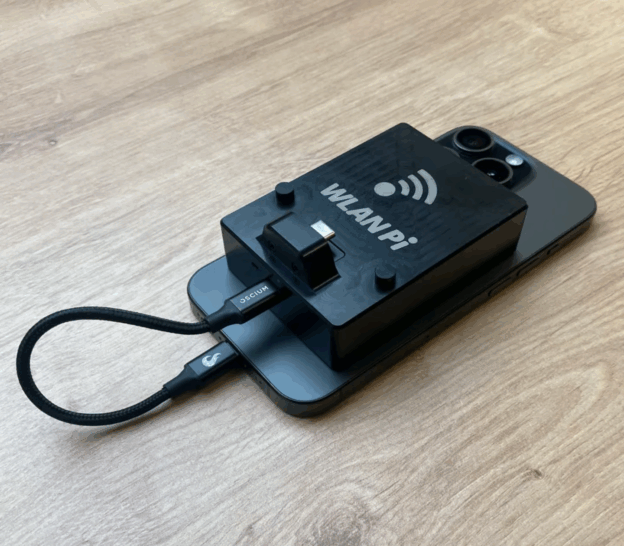
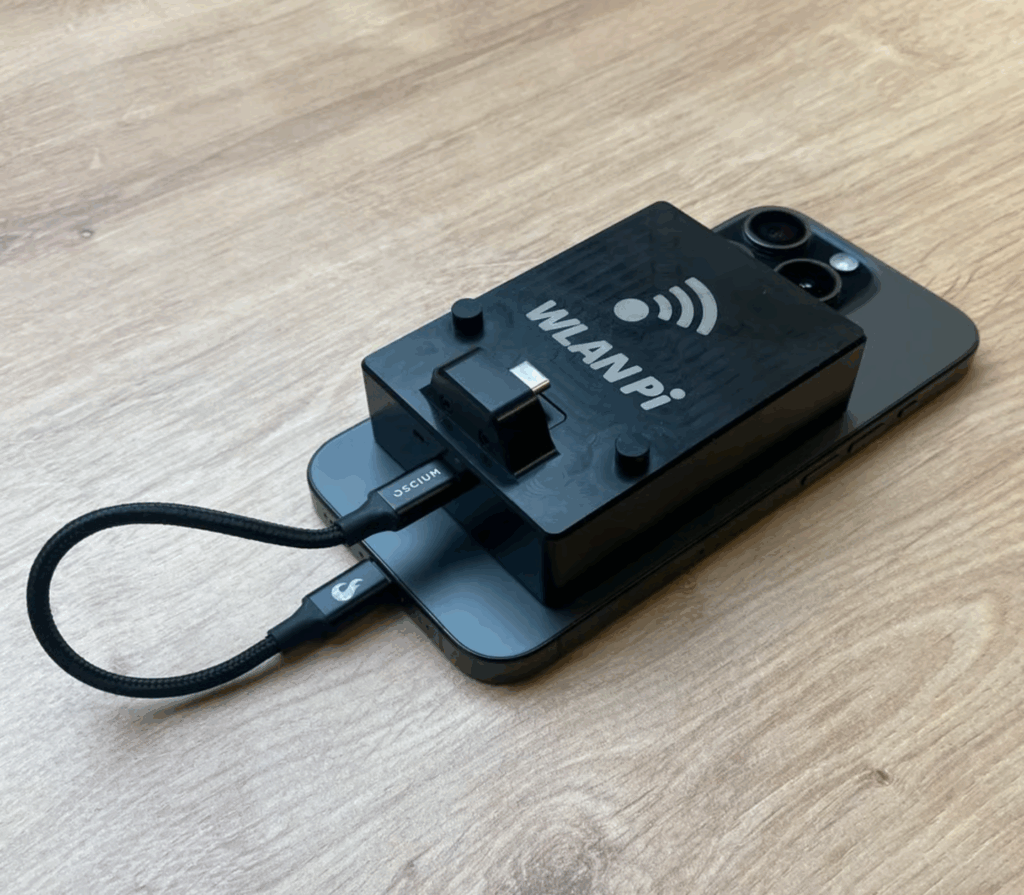
As I sit here eating a delicious Cinnamon Crunch bagel in Panera on a beautiful Saturday morning, I thought this would be the perfect time to write about the WLAN Pi Go and my initial impressions of it so far after only a few days of having it. Thanks Om for the push!

The WLAN Pi Go (Go) was officially launched on July 30th, 2025 via a live YouTube stream by the WLAN Pi team. Since I learned about the Go, I knew it was likely an immediate purchase for me. In fact, I ordered one from Josh’s BigQAM store before the live stream was even over.

Image courtesy of the BigQAM website
Continue reading

Decoding Mist AP to Mist Edge tunnels with Wireshark

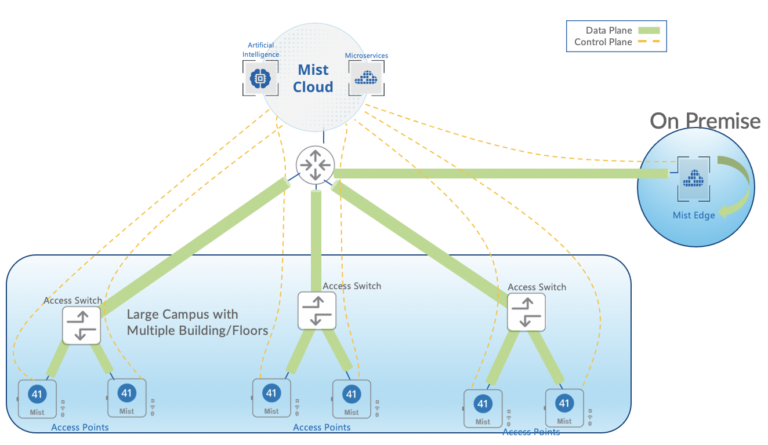
I don’t have any hard statistics to back this up, but I’m willing to fake bet that at least 90% of Mist’s customer deployments use local breakout (LBO) or local bridging as the method of offloading Wi-Fi client traffic onto the wired network. If this is your first time seeing the term LBO, it’s essentially bridging traffic directly onto the switch port that the AP is connected to. It requires a L2 network where your client VLANs are available on the switch(es) that your AP(s) are connected to.

Fig. 1 Local bridging or LBO deployment model courtesy of Mist’s website
Continue reading

Why speed tests aren’t always the answer when troubleshooting Wi-Fi networks

Table of Contents

    Background

    In my current role, we sometimes receive complaints about the Wi-Fi being slow or not working properly. When we ask what the issue is, we’re often sent responses referring to speed test results only that are supposed to serve as the definitive proof that something’s wrong with the Wi-Fi. What our user base often doesn’t understand is that there are many variables when it comes to speed tests in general, but when running these speed tests while connected to Wi-Fi, even more variables exist. Let me try to explain.

    Whether it be wired or Wi-Fi, there are theoretical and real-world throughput maximums in networking that are affected by a number of things. For example, even when you have a 1 Gbps wired connection, chances are you’ll never get full 1 Gbps line-rate speeds in a raw throughput test due to at minimum, the overhead needed to put bits onto the wire, not to mention whether the latency and TCP Window Size (if using TCP) can support the line-rate speed. Latency and the TCP Window Size are two things I’ll come back to in more detail later.

    Continue reading

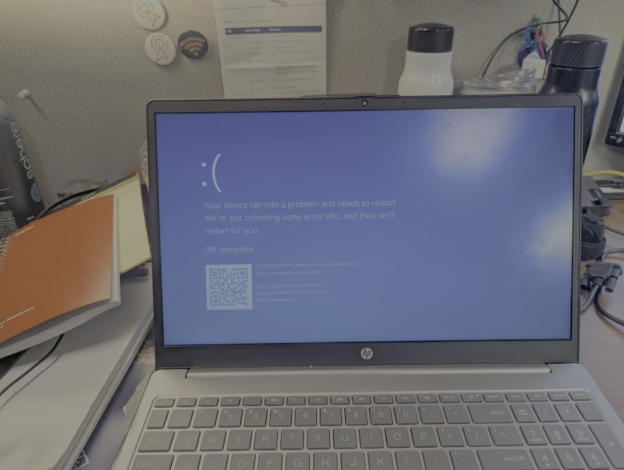
    When is a client problem also an AP problem?

    My employer is currently building a new home office (HO) campus. In every building except two infrastructure support buildings, we are installing Mist AP45s which are 6E capable. The two support buildings received AP43s which don’t support 6E, but are Wi-Fi 6 (802.11ax) capable and still very capable APs.

    Why is that important? Well, as most if not all of you out there know by now, WPA3 is mandatory in 6 GHz. We haven’t deployed the AP45s in many places yet, so the new HO campus is an opportunity to really get our hands dirty with not just 6 GHz, but also WPA3-Enterprise on our corp WLAN and OWE on our guest WLAN to see how some of our client base would respond and operate. But Keith, didn’t you just say the support buildings had AP43s which don’t support 6 GHz operation? I did, but as I mentioned in the opening paragraph, they are 802.11ax capable and 802.11ax does support WPA3 which isn’t something we had broadly enabled yet in our environments up to this point!

    Continue reading